Logo
Contact Us
English (US) 日本語 繁體中文
  1. Help Center | Cluster
  2. Instructions for Use
  3. How to use for VR

Articles in this section

  • Calibration
  • Smooth turn & Teleport
  • Controlling fingers in VR
  • What is 6 point tracking?
  • Devices required for 6 point tracking
  • 6 point tracking initial settings (SteamVR)
  • How to use Open Sound Control (OSC) Trackers
  • Button inputs in Cluster HUD v2
  • Display controllers (VR only)
  • Lightstick

Display controllers (VR only)

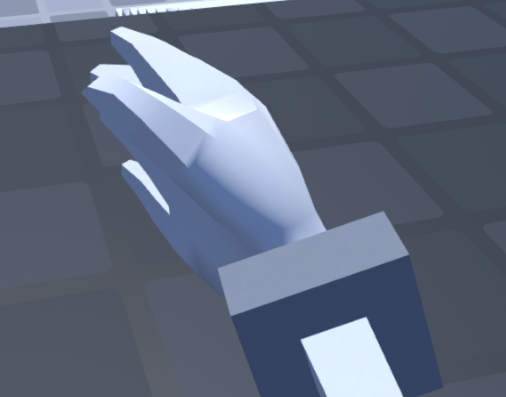
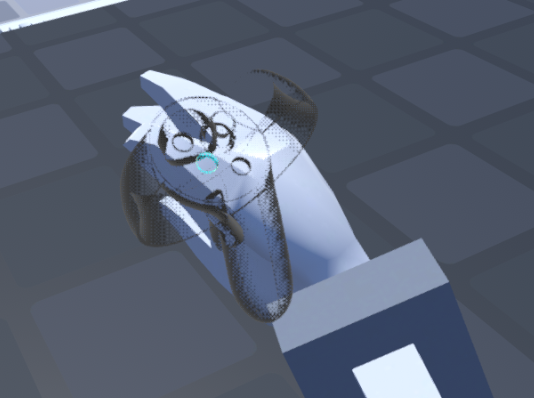
Turning off display controllers will hide the semi-transparent controllers that appear by your hands as a guide.

Display controllers: ON
mceclip0.png

Display controllers: OFF

mceclip1.png

Was this article helpful?
1 out of 3 found this helpful
Return to top

Related articles

  • Calibration
  • Lightstick
  • Controlling fingers in VR
  • How to look at your screen and displaying the menu
  • Smooth turn & Teleport